
When it comes to dividing the profit from Premium topos, there are multiple ways to do it.
How to access your payment settings
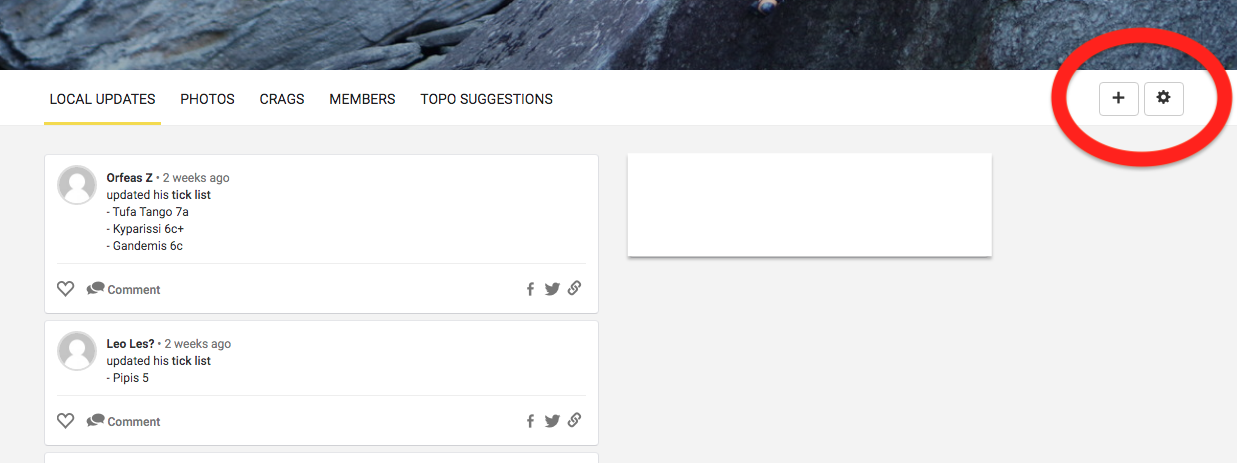
To get to your payment settings, go to your team page and choose the "settings" icon on the right.
After that, click the "payment settings" on the left.
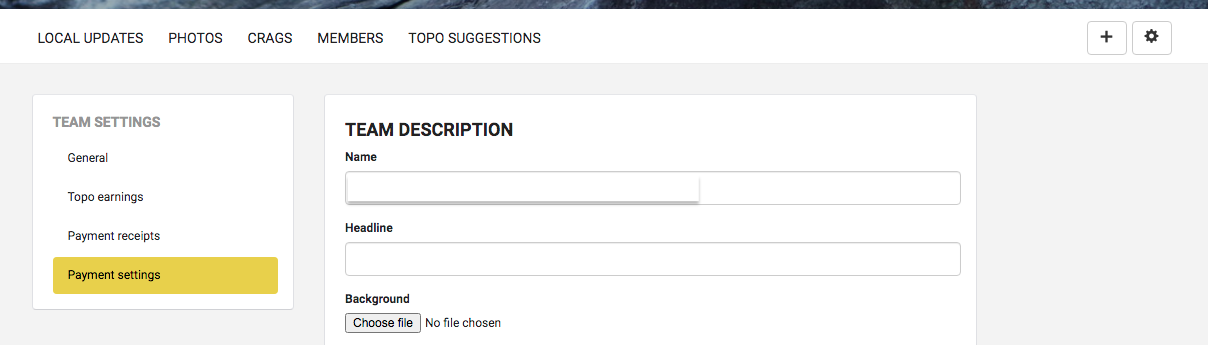
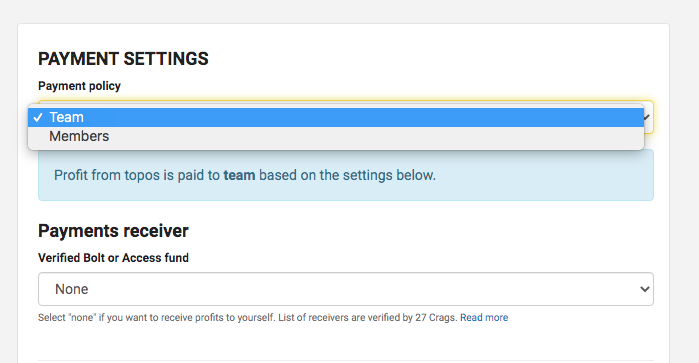
In the payment settings view, you can choose the preferred payment receivers.
Choosing "team" payment
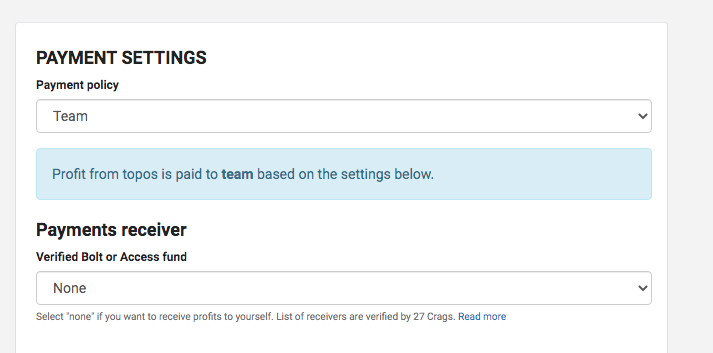
When choosing that the income goes to the team, it means the income goes fully to the bolt fund of your choice OR to the bank/Paypal account you've listed below.
Verified bolt funds are organisations that 27 Crags has personally verified and been in touch with. You will find the latest list of verified bolt funds from the drop down list in the picture below.
If you don't find the bolt fund you'd like to donate your income to, please get in touch with us and we will do our best to add it.
Choosing "members" payment
If you choose that the income goes to members, the profit from topos is paid to members based on the amount of content they have added to team topos.
When the royalties are paid to members, each member can see their topo income from their own profile in 27 Crags. You can find this by going to settings and choosing "topo earnings". Here you can also see your share of the content created in each topo.
If you want to read more about the option of giving the income to a bolt fund, read more here.
If you have any more questions about the Premium topo payments, don't hesitate to get in touch with us.