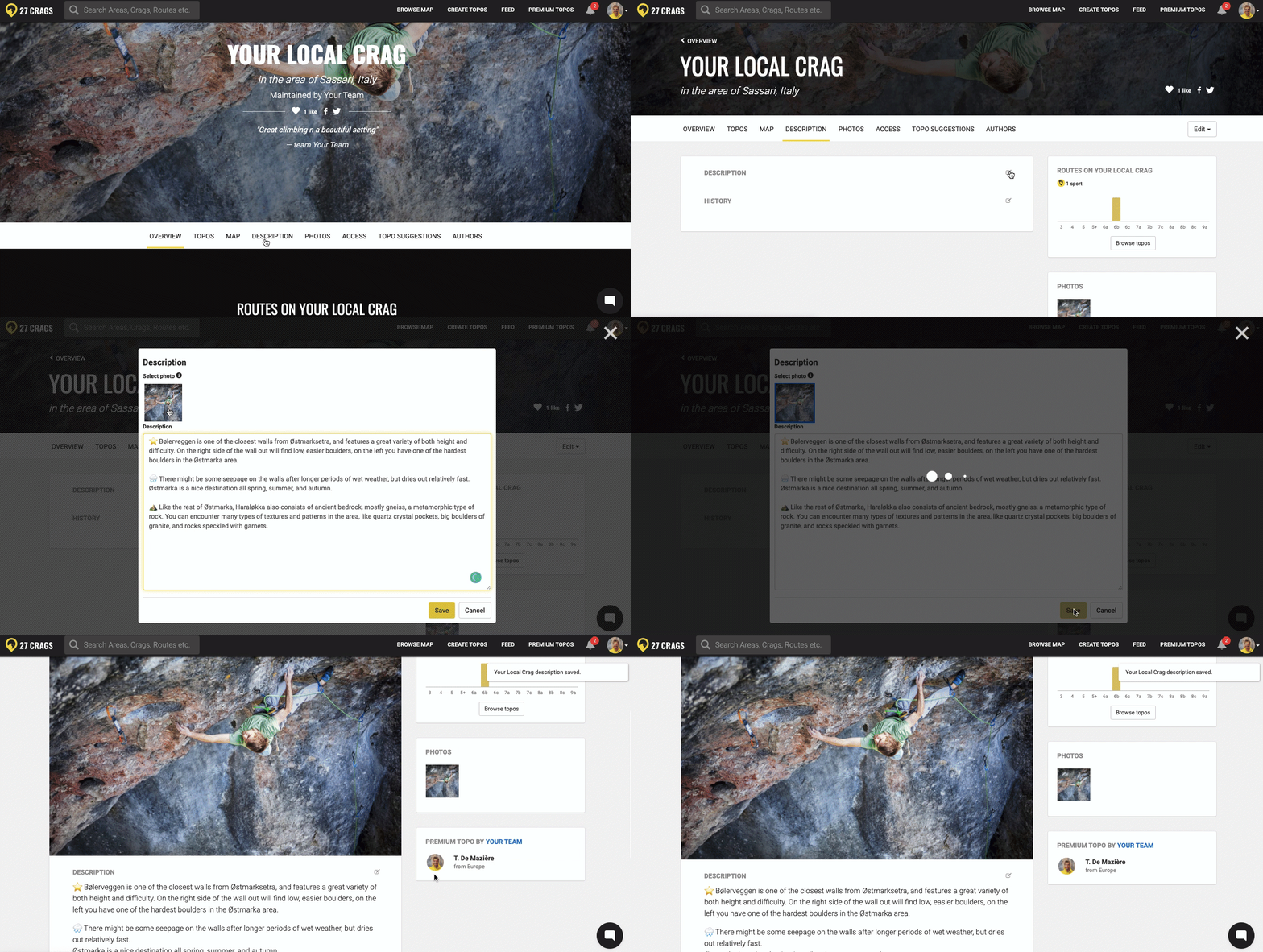

Next up is adding access information, crag description and history.
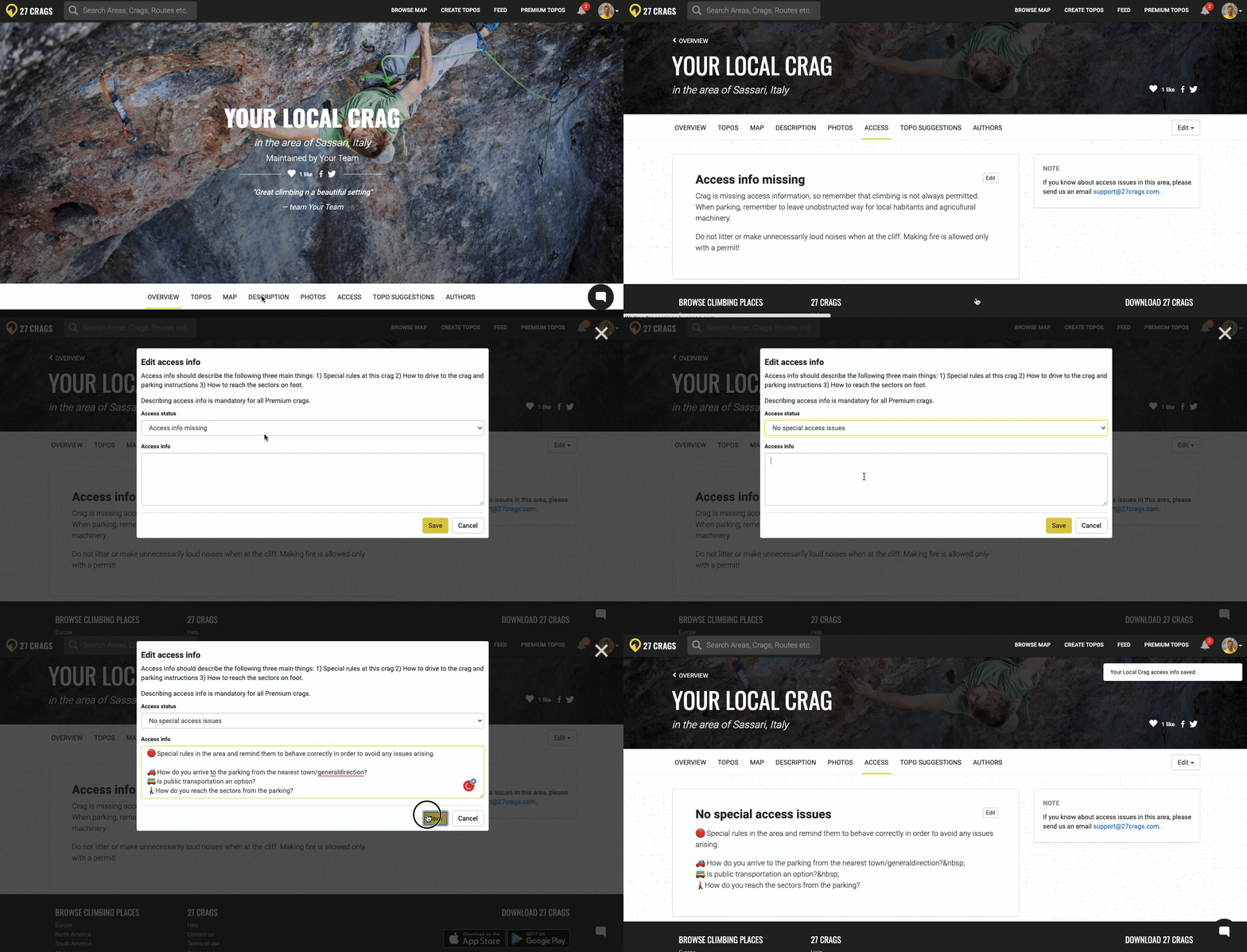
Access information is a very important part of the topo as it helps to avoid access issues.
Navigate to the Access section, click "edit" and select the correct option from the dropdown menu.
In the text field, it's important to inform climbers about:
Special rules in the area and remind them to behave correctly
How to find the parking from the nearest town/general direction
Is public transportation an option?
How to reach the sectors from the parking
The crag description is the sales pitch of your crag. Add information you'd like to know when visiting a completely new crag.
This includes information such as the rock type, the climbing style, the best season, does the crag dry fast, are the landings/cliff-base good, is it family-friendly? You can also consider recommending some of the best routes and also include a bit of history about the crag in the History section.
Don't hesitate to use some emojis to structure the text.