
1. Purchase made on the website
If you purchased your Premium subscription directly through the 27 Crags website (not via the app):
Go to the website and log in to your account: https://27crags.com/login
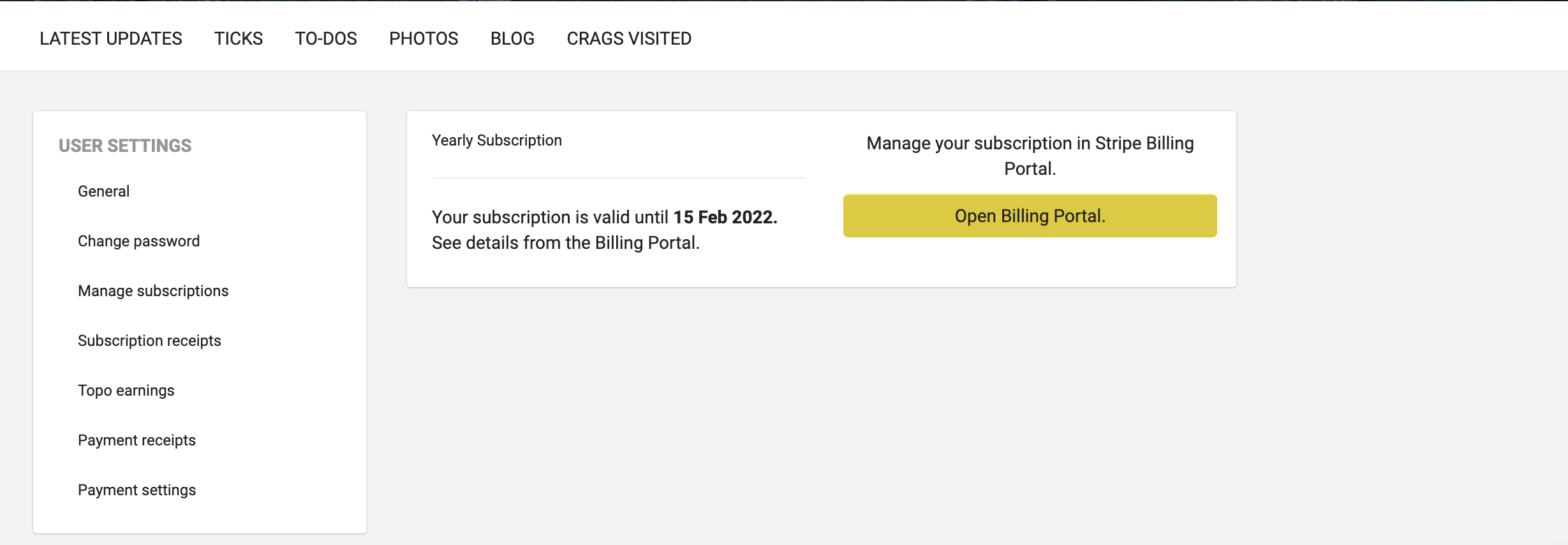
Open your Profile menu in the top corner and select Settings
Click Manage subscriptions
Select Open billing portal
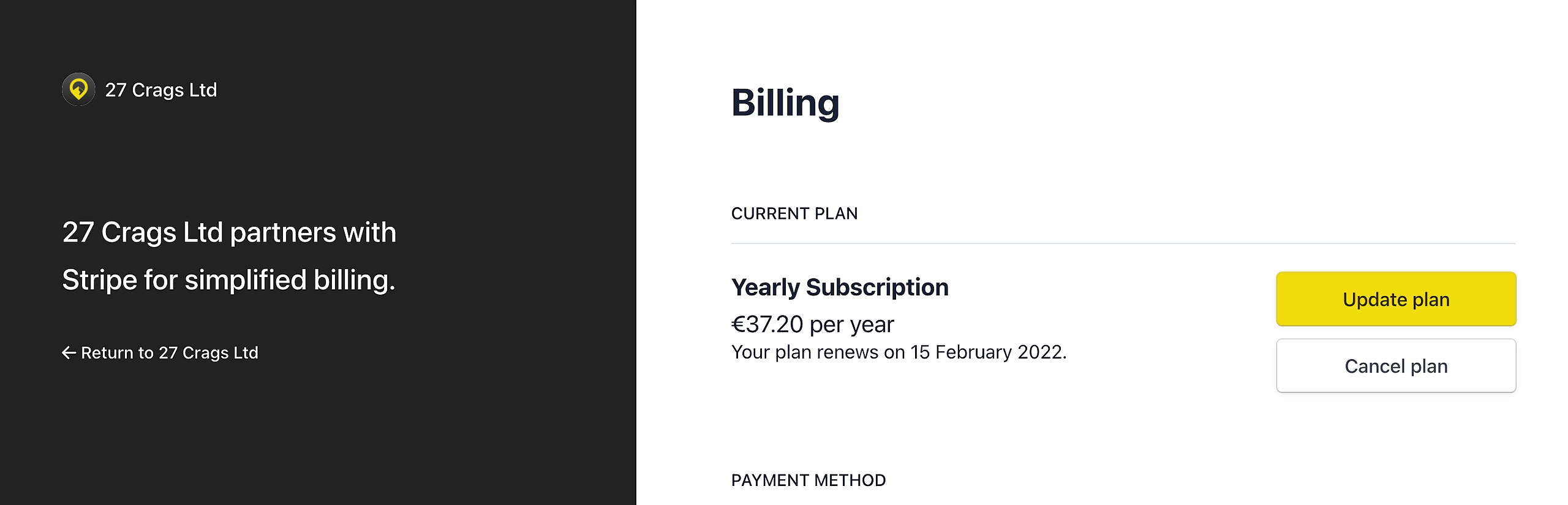
To switch between monthly and annual billing, choose Update plan
To stop your subscription completely, select Cancel plan
Note: You can continue using Premium features until the end of your current billing period.
____
2. Purchase made in the app
If you purchased Premium via the app, your subscription is managed by Apple or Google. In this case, cancellations must be done through the app store.
iOS (Apple App Store):
Follow Apple’s instructions here:
https://support.apple.com/en-us/HT202039
Android (Google Play):
Follow Google’s instructions here:
https://support.google.com/googleplay/answer/7018481?hl=en
Need help?
If you run into any issues or have questions, feel free to contact us by email: support@27crags.com